
Instastoriesviewer Review: Does Anonymous Viewing Really Work Online
12/17/2025
Half a billion people watch Instagram Stories every day. That’s a lot of eyes on a lot of moments. According to recent stats, around 500 million users view Stories daily. That number alone raises an interesting question: do all those viewers really want to be seen?
Sometimes, the answer is no.
Maybe you feel curious. Maybe you want to check a public profile without drawing attention. Or maybe you just value a bit of privacy online. Whatever the reason, Instagram does not make anonymous viewing easy.
That’s why tools like InstaStoriesViewer get so much attention. They promise a way to watch public Instagram Stories without your name showing up on the viewer list. Sounds simple. But does it actually work the way people expect?
In this review, I’ll walk you through how InstaStoriesViewer works, what it can and can’t do, and whether it fits your needs.
What Is InstaStoriesViewer?
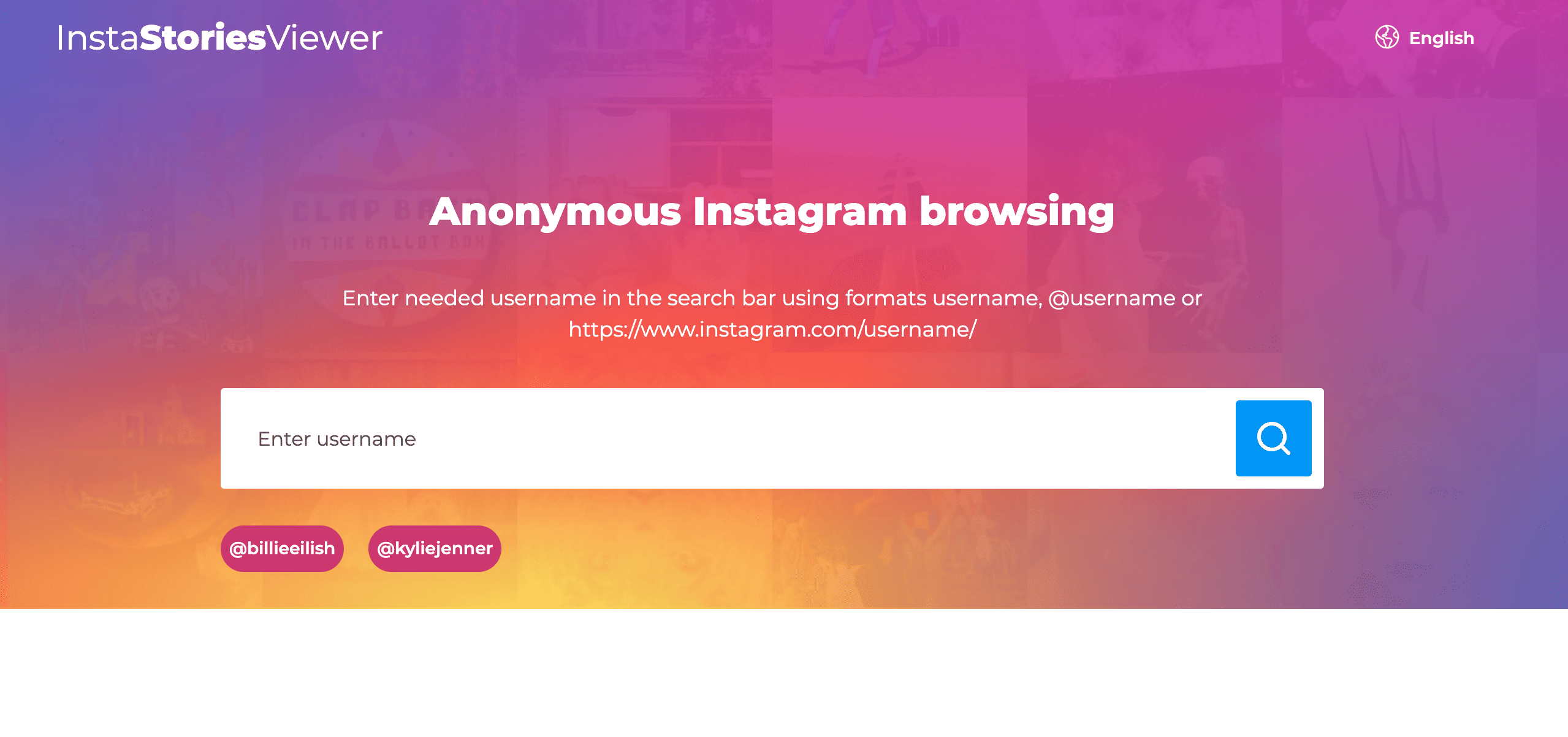
InstaStoriesViewer is a browser-based tool that lets you watch Instagram Stories without signing in and without showing up on the viewer list. You open the site, enter a username, and view public stories quietly. No app install. No Instagram login. Simple as that.
So what problem does it try to solve? Privacy. Instagram shows story viewers by default, and sometimes you’d rather not announce that you looked. InstaStoriesViewer claims to remove that friction.
It’s mainly built for people who want quick, low-effort access to public Instagram content. That might include casual users, researchers, or anyone who prefers to stay low-key online.
Here’s what defines it:
There’s no official mobile or desktop app here. InstaStoriesViewer stays web-only, which keeps things lightweight—but also limits what it can do.
How InstaStoriesViewer Works
At first glance, InstaStoriesViewer feels almost effortless. You don’t sign in. You don’t connect your Instagram account. You just use it through your browser. But how does that actually play out?
Here’s how most people use it:
Step-By-Step: How It Works
That’s it. No login forms. No passwords. No Instagram account required.
But there are clear limits, and it’s better to know them upfront.
So what’s really happening? The tool acts as a middle layer. It fetches public Instagram content and shows it to you without linking the view to your profile. Simple, quiet, and very limited by design.
Key Features Of InstaStoriesViewer
So what do you actually get when you use InstaStoriesViewer? The tool keeps things simple and focuses on a few core features that matter most to people who value privacy and speed.
Here’s what stands out.
If you want quiet access to public Instagram content without extra steps, this feature set does exactly that—and nothing more.
Is InstaStoriesViewer Really Anonymous?
This is the question most people care about. If you use InstaStoriesViewer, do you really stay invisible?
In simple terms, yes—most of the time. The tool does not connect to your Instagram account. Instead, it pulls stories from public profiles and shows them through its own system. Because Instagram doesn’t receive your username as a viewer, your name doesn’t appear on the story list.
But anonymity here has limits, and it’s important to be honest about them.
Here’s what Instagram can and can’t see:
So when can anonymity fail? If a profile is private, the tool won’t work at all. If Instagram blocks or throttles third-party access, loading may fail. And no tool can offer a 100% guarantee forever.
The realistic takeaway? InstaStoriesViewer works well for quiet viewing of public stories. Just don’t expect magic—or access where Instagram draws a hard line.
Pros And Cons
No tool is perfect, and InstaStoriesViewer is no exception. It does a few things really well, but it also comes with clear limits. Let’s look at both sides.
Pros
Cons
So, is it useful? Yes—for quick, quiet checks on public stories. Just don’t expect more than that.
Who InstaStoriesViewer Is Best For
This tool isn’t for everyone—and that’s okay. InstaStoriesViewer works best when you know exactly what you want from it and keep expectations realistic.
Good Fit If You’re a Casual User
If you only check Instagram Stories from time to time and don’t want extra features, this tool makes sense. You open the site, search a public profile, and view stories quietly. No setup. No learning curve.
Useful For One-Off Anonymous Views
Ever feel curious but hesitant to show up on a viewer list? InstaStoriesViewer suits those moments. It’s ideal when you want a quick look and plan to leave right after.
Helpful If You Avoid Account Logins
If you don’t want to log into Instagram on a shared device or work computer, this tool helps. You never enter a password or connect an account, which keeps things clean and separate.
Who Should Look For Alternatives
This tool may frustrate you if you want more. If you need access to private profiles, advanced filters, or professional insights, InstaStoriesViewer won’t deliver. Marketers, analysts, and heavy Instagram users will likely need a paid or official solution instead.
In short, this tool fits simple, quiet viewing of public stories—nothing more, nothing less.
Alternatives To InstaStoriesViewer
InstaStoriesViewer isn’t the only option out there. If it feels too limited, you’re not stuck. Several other tools offer anonymous Instagram viewing, each with small twists.
Some popular alternatives include:
So when does an alternative make more sense? If InstaStoriesViewer loads slowly, misses stories, or lacks a feature you want, it’s worth trying another option. Just keep one thing in mind: all of these tools follow the same rule. They only work with public accounts.
If you want flexibility, testing two or three viewers can save frustration.
Conclusion
So, where does that leave InstaStoriesViewer?
It does one thing well. It lets you view public Instagram Stories anonymously without an account, an app, or any setup. If you want something quick and quiet, that simplicity works in your favor.
But the limits matter, too.
You can’t view private profiles. Features stay basic. And at busy times, loading may feel slow or unreliable. That’s not a flaw—it’s the trade-off that comes with free, web-based tools.
The real question is simple. What do you need?
If you want a fast way to check a public story without showing up, InstaStoriesViewer fits the job. If you expect advanced options or consistent performance, you’ll likely feel frustrated.
Go in with clear expectations, use it for what it is, and it can be genuinely useful. Just don’t expect it to replace Instagram—or do more than it claims.