
Is InstaNavigation Safe to Use or Risky?
12/4/2025
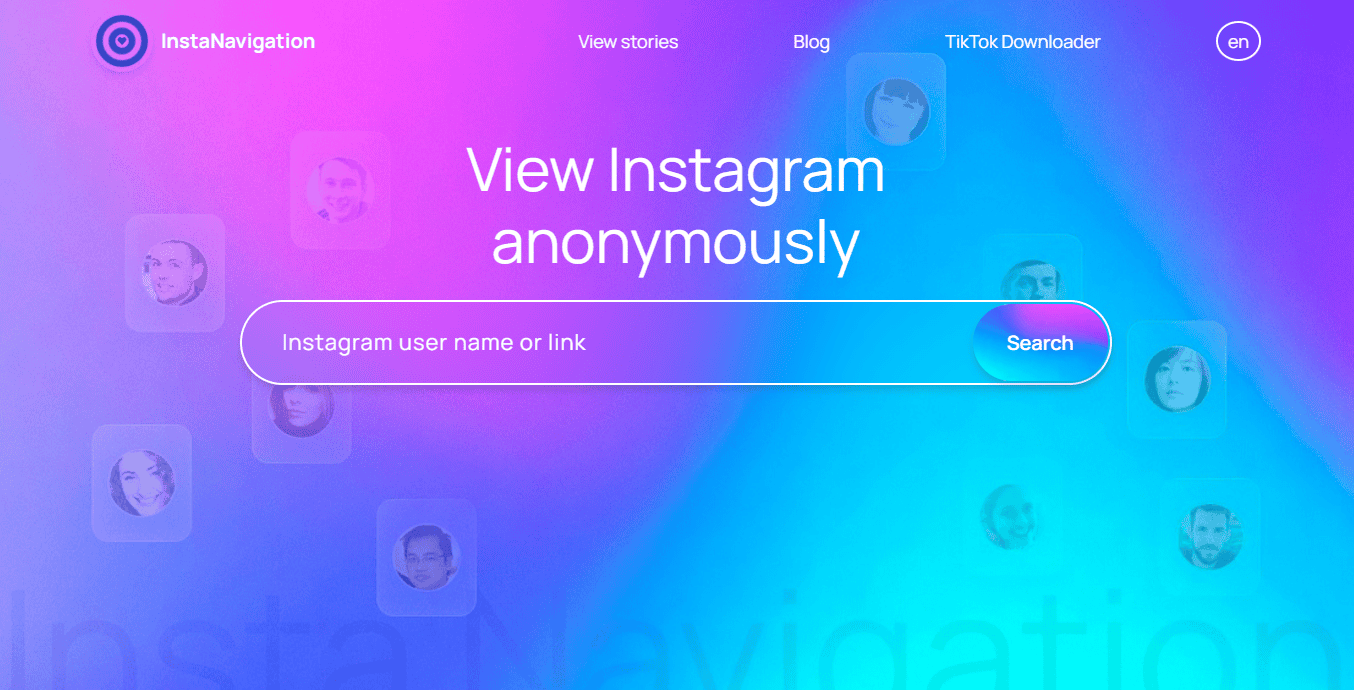
Have you ever wanted to check an Instagram story without your name showing up? You’re not alone. A lot of people think about privacy more than they admit. Sometimes you just want to look. Quietly.
That’s why tools like InstaNavigation get so much attention. They promise anonymous access to public Instagram stories and profiles. No login. No account. Sounds easy, right?
But here’s the real question: is InstaNavigation safe to use? Does it protect your privacy, or does it introduce new risks you don’t see at first?
This topic can feel a bit sensitive. Curiosity doesn’t mean bad intent. It often means you want control over your own visibility.
In this post, I’ll break down how InstaNavigation works, what safety really means in this context, and what you should know before you use it. Clear answers. No scare tactics.
What Is InstaNavigation?
InstaNavigation is a web-based tool that lets you view public Instagram stories and profiles without logging in . You don’t connect an account. You don’t install anything. You just enter a username and see what’s publicly available.
Why do people look for something like this? Because Instagram shows who viewed a story. Sometimes you don’t want that spotlight. You just want to check quietly.
InstaNavigation positions itself around a few simple ideas:
Who uses it? Regular people who value privacy. Curious users who want space. Even creators or marketers who need a quick look at public content without switching accounts.
It’s worth saying this clearly: InstaNavigation does not promise access to private profiles or hidden data. It focuses on what Instagram already shows to the public—just without tying that view to your name.
If you’ve ever thought, “Can I look without being seen?” this tool exists for that exact reason.
How Does InstaNavigation Work?
So how does InstaNavigation actually work behind the scenes?
The key thing to know is this: InstaNavigation only deals with public Instagram data . It doesn’t tap into your account because it never touches it in the first place. You don’t log in. You don’t approve access. You don’t connect anything.
When you enter a username, the tool looks for content that Instagram already makes visible to the public—stories, posts, and highlights from public profiles. InstaNavigation fetches that data through its own system and displays it inside your browser.
Why does that matter? Because Instagram tracks viewers only when a logged-in account views a story. Since your account never enters the picture, Instagram has no identity to attach to the view. That’s where the sense of anonymity comes from.
Another important detail is that InstaNavigation stays browser-based . You don’t install an app, and you don’t grant permissions on your phone. You just open a website and search. That often feels lighter and safer than third-party apps that request access to your device or account.
Of course, this setup has limits. If a profile is private, InstaNavigation stops there. It works only where Instagram already allows public access. That’s the trade-off—and also the reason it exists at all.
Is InstaNavigation Safe to Use? (Core Safety Analysis)
So, is InstaNavigation actually safe? The honest answer depends on what you mean by safe.
Let’s start with the basics. InstaNavigation does not ask for your Instagram login. You don’t enter a password. You don’t connect an account. That already removes one of the biggest risks people worry about with third-party tools.
The tool also runs in your browser. You don’t install an app or grant permissions on your phone. For many users, that feels like a safer option than apps that want deep access to your device. Still, browser safety matters. You should always check that the site uses HTTPS and avoid copycat pages that look similar.
Where things get a bit tricky is advertising. Like many free tools, InstaNavigation may show ads, pop-ups, or redirects. These don’t always mean danger, but they do mean you need to stay alert. One careless click can lead to pages you didn’t plan to visit.
If the site offers downloads, that’s another moment to pause. Any file from a third party carries some risk, especially if you don’t know how it was created or hosted.
So what does “safe” really mean here? It means no login theft and no direct access to your Instagram account. It does not mean zero risk. Third-party tools always sit outside Instagram’s official system.
The key question is simple: do you feel comfortable trading a bit of control for convenience? If you understand the limits and stay cautious, you can decide what “safe enough” looks like for you.
Privacy Concerns You Should Know About
When you use InstaNavigation , privacy isn’t only about Instagram. There’s more happening in the background that’s worth understanding.
Here are the main things to keep in mind:
Understanding these limits helps you browse with clearer expectations and fewer surprises.
What InstaNavigation Cannot Do (Limits & Red Flags)
It helps to be clear about what InstaNavigation cannot do. Knowing the limits protects you from false expectations.
Here’s what stays off-limits:
And here’s the key red flag to remember:
InstaNavigation works within public limits. If a tool claims to break those limits, it’s usually best to stay away.
InstaNavigation vs Other Anonymous Instagram Viewers
If you’ve tried a few anonymous Instagram viewers, you know they often look similar. So how does InstaNavigation compare?
From a safety angle, most browser-based viewers play by the same rules. They don’t ask for your Instagram login and they only show public content. That already puts them ahead of app-based tools, which may request device permissions or push you to connect an account. More access usually means more risk.
The biggest difference shows up in simplicity versus features . InstaNavigation keeps things light. You open the site, enter a username, and view what’s public. Some alternatives add downloads, analytics, or extra tools. That can sound useful, but it often brings heavier ads, pop-ups, or tracking.
So when does InstaNavigation make sense? It works well if you want a quick, quiet look at public stories and nothing else. No setup. No learning curve.
When might it not fit? If you expect advanced features or anything beyond public viewing, you’ll likely feel limited.
The real question is simple: do you want ease and restraint, or more tools with more trade-offs?
Conclusion
So, is InstaNavigation safe? The honest answer is: it can be, as long as you know what you’re walking into.
The tool doesn’t ask for your Instagram login, which already removes a big risk. It sticks to public content and runs in your browser, not as an app with deep access to your device. That’s a plus for many people.
At the same time, expectations matter. You won’t see private profiles. You won’t read messages. You won’t track activity in real time. And like many free tools, you may run into ads or basic tracking.
So who is this really for? People who want a quiet way to view public stories and value simplicity over extras.
The final question is yours to answer. Do you understand the limits and feel comfortable with them? If yes, you can decide with confidence—and that’s the safest place to be.